







Teaching children safe online research habits
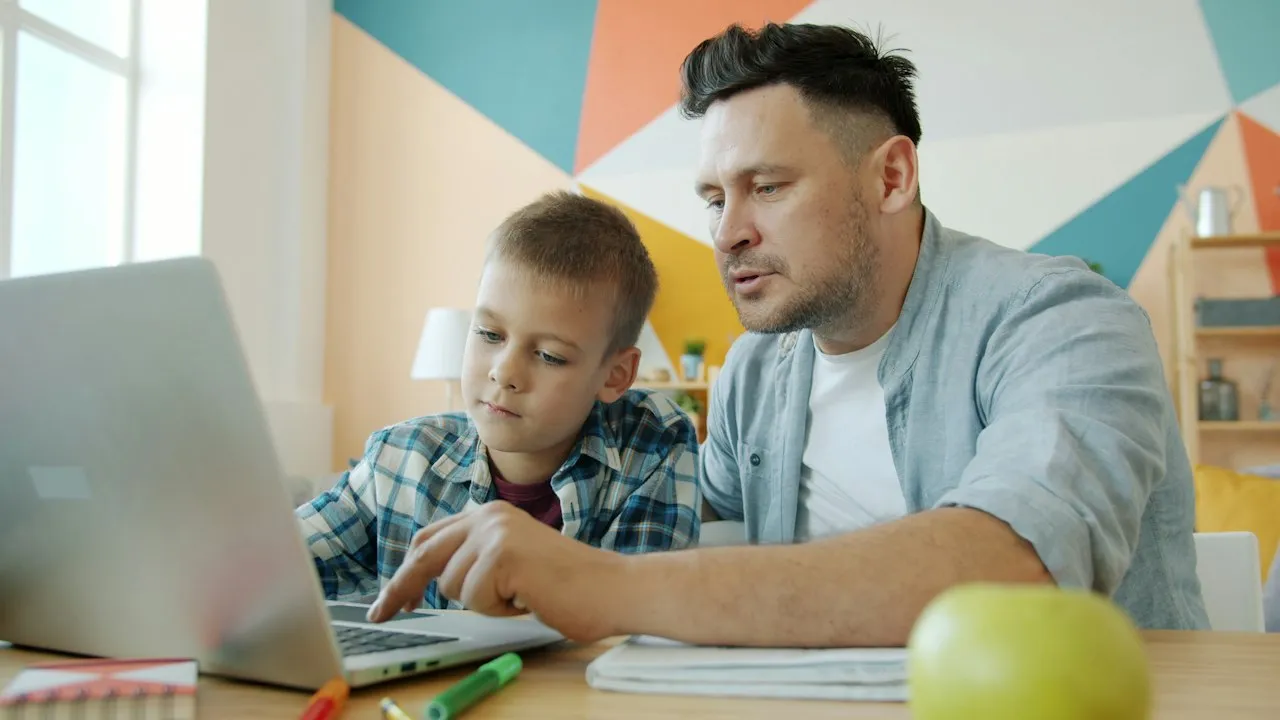
Research tasks can help primary children ask better questions, compare ideas and build independence. Yet searching online also exposes them to misleading information, advertising, upsetting material and requests for personal details. With clear routines, you can help pupils use the internet with curiosity and care, whether they are researching animals, local history or a science topic.
Begin with clear rules for safe searching
Before children open a browser, agree on a small set of memorable rules. Younger pupils benefit from short language they can repeat, such as “ask, check, tell”. They should ask an adult when unsure, check that a website is suitable and tell a trusted adult if anything feels worrying or strange.
Explain that a search engine is a tool, not a person who knows the right answer. Search results may include adverts, videos, shops and pages created by people with different purposes. A high position in the results does not automatically mean that a source is trustworthy.
Teach children to avoid sharing personal information while researching. This includes their full name, address, school, passwords, photographs, phone number and details about family routines. If a website asks them to create an account, download a file or enter information, they should stop and ask an adult.
Useful classroom rules include:
- Use child-safe search settings and school-approved websites.
- Search with an adult nearby when a topic is unfamiliar.
- Do not click pop-ups, adverts or “free prize” messages.
- Close a page if it makes you uncomfortable.
- Tell a teacher, parent or carer straight away if something seems wrong.
Teach children to turn topics into useful questions
A broad search such as “Romans” can produce far too much information. Help pupils turn a subject into a specific question: “What did Roman children eat?” or “How did Roman roads help travel?” This narrows results and encourages purposeful reading.
Model how to choose precise keywords. For a project on rainforests, children might search “rainforest layers for children” rather than typing a full spoken question. They can add terms such as “facts”, “museum”, “BBC” or “for children” when appropriate. Explain that spelling matters, but mistakes can be corrected calmly without embarrassment.
Use a research plan before opening tabs
A simple planning sheet keeps research focused. Include the main question, three facts to find, a box for useful website names and a space to record unfamiliar words. Pupils are less likely to drift towards unrelated content when they have a clear task.
Research also works best when children can manage frustration. The strategies in Helping children manage homework frustration can support pupils who feel stuck after an unsuccessful search or a difficult text.
Show pupils how to check whether information is reliable
Primary-aged children do not need a complex fact-checking framework, but they can learn practical signs of a reliable source. Encourage them to ask: Who made this page? Why was it made? When was it updated? Can another trusted source confirm the same fact?
Websites from museums, libraries, universities, government services, recognised charities and established news organisations can be useful starting points, provided the content is age-appropriate. Teacher-curated links reduce risk and allow children to practise evaluating sources without facing an overwhelming number of results.
Compare more than one source
Teach pupils never to treat the first website they find as the final answer. For example, if they read that a blue whale is a certain length, they can check a museum website or a children’s encyclopedia. If two credible sources give slightly different figures, discuss why measurements may vary.
Children should also recognise clues that deserve caution:
- dramatic headlines designed to shock;
- claims with no named author or source;
- pages full of adverts or distracting buttons;
- spelling mistakes and unclear sentences;
- statements that sound unlikely but offer no evidence.
A helpful classroom activity is to present two age-appropriate pages on the same topic. Ask groups to identify the author, date, purpose and evidence before choosing which source they would use.
Make copying, images and artificial intelligence part of the conversation
Online research is not only about finding facts. Pupils also need to understand how to use material fairly. Explain that copying whole paragraphs does not show their learning. Instead, they can read a fact, close or look away from the source, then explain it in their own words.
For images, use school-approved collections or sites that clearly permit educational use. Children should record where an image came from, even when a teacher has selected it. This builds early respect for other people’s work.
In 2026, many search tools also display answers generated by artificial intelligence. Explain that these answers can sound confident while containing errors, missing context or unsuitable wording. Pupils should treat AI-generated text as a starting point for questions, not as proof. They still need to check facts against reliable sources and use their own voice in written work.
Create a classroom environment where children can ask for help
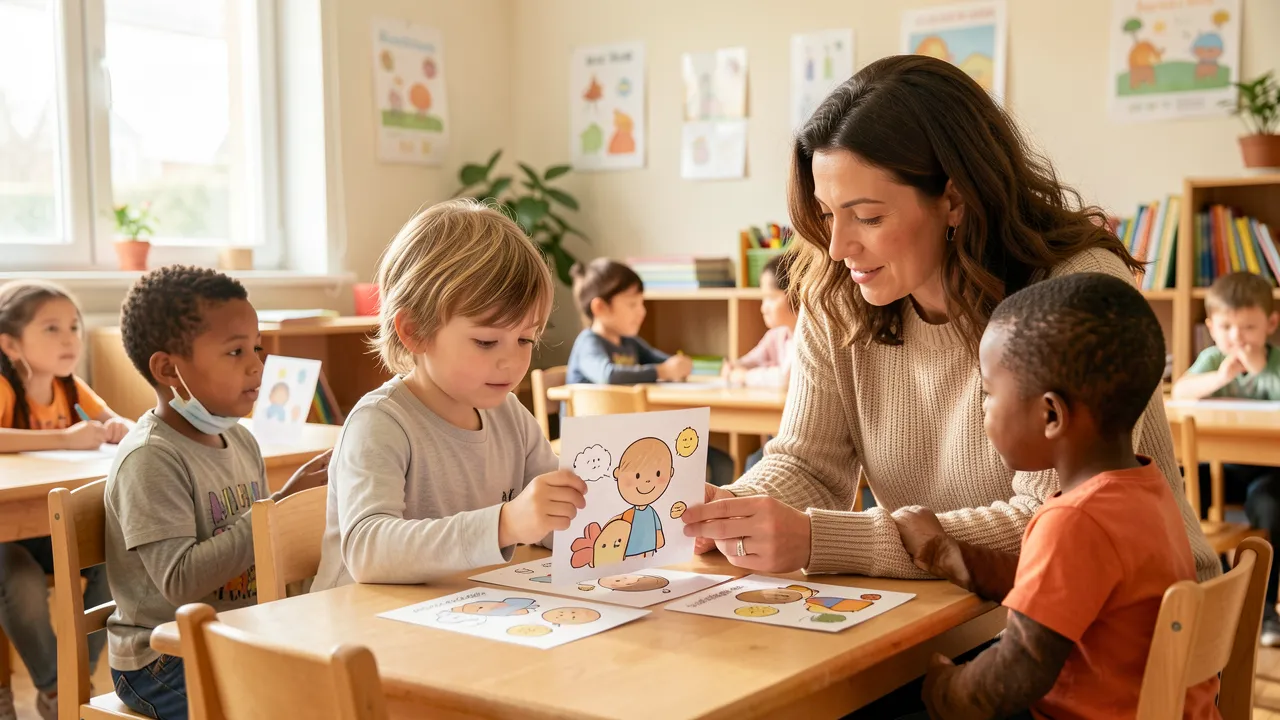
Children are more likely to report a problem when adults respond calmly. Avoid framing mistakes as bad behaviour. A pupil who clicks an unexpected link, sees upsetting content or shares something accidentally needs support first, followed by a clear explanation of what to do next time.
A play-based early years environment can introduce these habits before formal research begins. Ideas for accessible digital and enquiry spaces appear in Play rich reception classroom setup for UK EYFS, including ways to build discussion and exploration into daily learning.
Safe online research habits build lasting digital confidence
When pupils learn to question search results, protect their information and seek adult support, research becomes safer and more meaningful. Keep the routines consistent across subjects and revisit them whenever children use a new website or device.
Key habits to reinforce are:
- Search with a clear question rather than browsing aimlessly.
- Check who created information and compare trusted sources.
- Keep names, passwords and personal details private.
- Put facts into their own words and credit images or sources.
- Ask a trusted adult for help whenever something feels confusing or unsafe.